
This guide pairs working examples with Markdown for teaching components, images and video. Try each example, then copy its source. Put each opening and closing tag on its own line. Keep media in the article's assets/ folder. No page-specific styles or scripts are needed.
For a guided tour, visit the Blog's interactive component and media example. You can also open this article's explanation inside the macOS tab to try a link that reveals hidden content.
Hints and warnings
{% hint style="info" %}
Read this context before continuing.
{% endhint %}
The style attribute is required. Replace info with success, warning or danger to change the state:
Automatically numbered steps
-
Read the example
Read this step's heading and instructions. A step accepts ordinary Markdown and can contain a hint.
-
Copy the source
Copy the example below and replace the headings and body. The website supplies the step numbers.
{% stepper %}
{% step %}
### Read the example

Read this step's heading and instructions.

{% hint style="info" %}
This hint belongs to the current step.

{% figure src="assets/cool.svg" alt="A cool abstract poster inside a hint in an instruction step" %}
This image is inside a **hint within a step**. Select it to open the viewer.
{% endfigure %}
{% endhint %}
{% endstep %}

{% step %}
### Copy the source

Replace the heading and body with your instructions.
{% endstep %}
{% endstepper %}
Let readers choose a platform
Windows
Windows example content
The first tab is initially visible. Select macOS to read the alternative.
macOS
This is the other platform's content.
{% tabs %}
{% tab title="Windows" %}
This is the first platform's content.

{% hint style="info" %}
A tab can contain a hint.
{% endhint %}
{% endtab %}

{% tab title="macOS" %}
This is the other platform's content.
{% endtab %}
{% endtabs %}
Each tab needs a nonempty plain-text title. A page can have several independent groups. A tab cannot contain another tab group.
Add a closed explanation
{% expandable title="Open the extra explanation" %}
Put information readers can open when they need it here.

- First check.
- Second check.
{% endexpandable %}
expandable is this website's custom syntax and accepts a plain-text title. Use Tab to focus the title, then press Enter or Space to open or close it.
Ordinary images have an enlargement link
Select the image, or reach it with Tab and press Enter. Press Esc to close the viewer. With JavaScript disabled, the same link opens the original image.
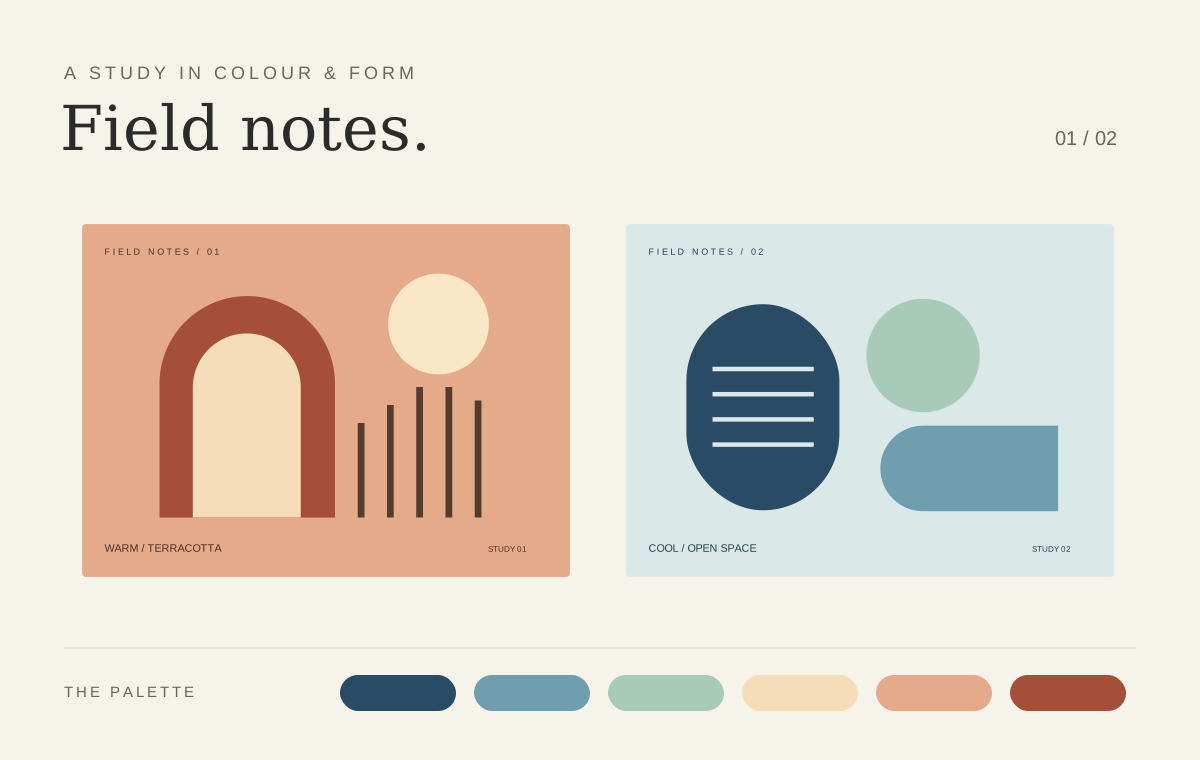

Alternative text describes the image for readers who cannot see it. It does not become a visible caption. Images in a sentence keep their inline layout. Images that already have an authored link keep that destination.
Use figure for a visible caption
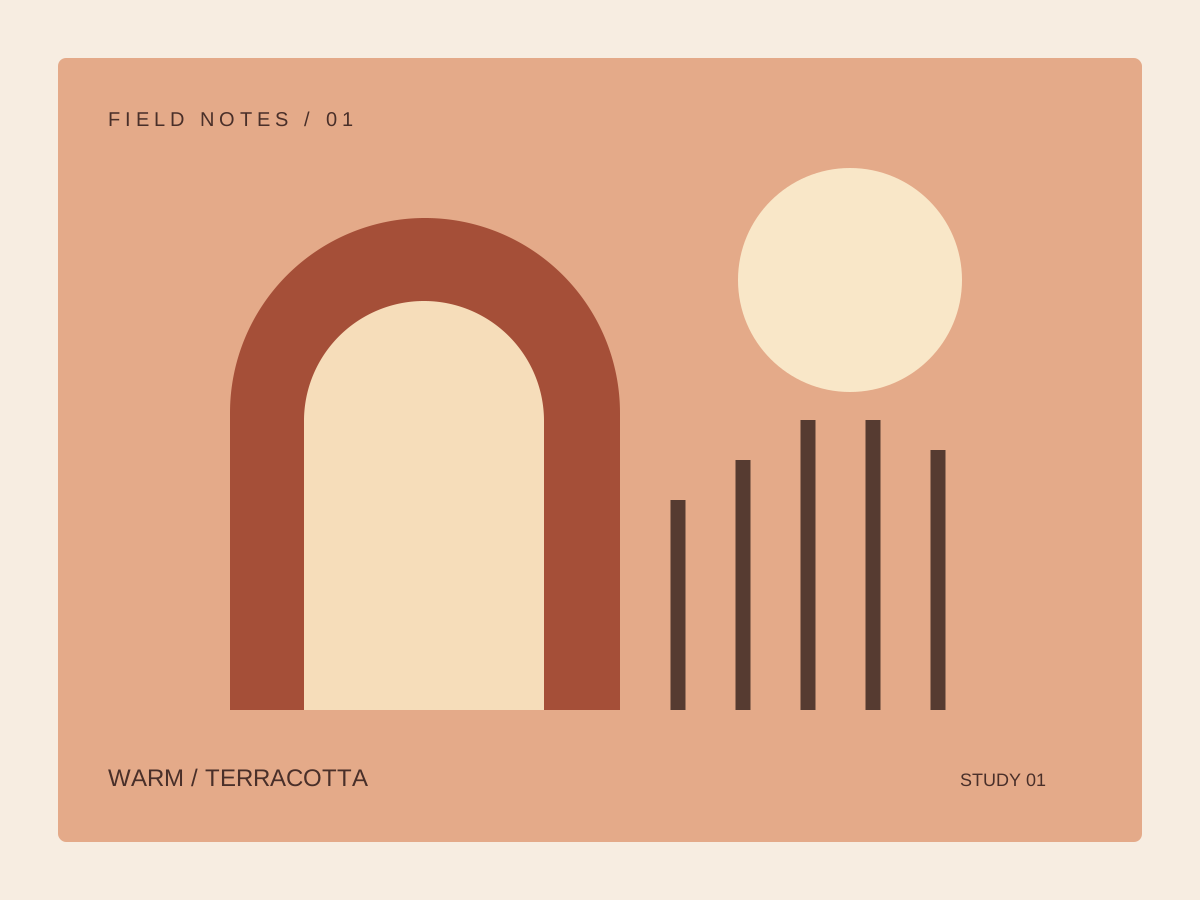
inline code as well as emphasis.{% figure src="assets/warm.svg" alt="A warm terracotta poster with an arch and a circle" %}
This is a **visible caption** explaining the design.
{% endfigure %}
Both src and alt are required. Captions accept one paragraph of inline Markdown. Put each opening and closing tag on its own line.
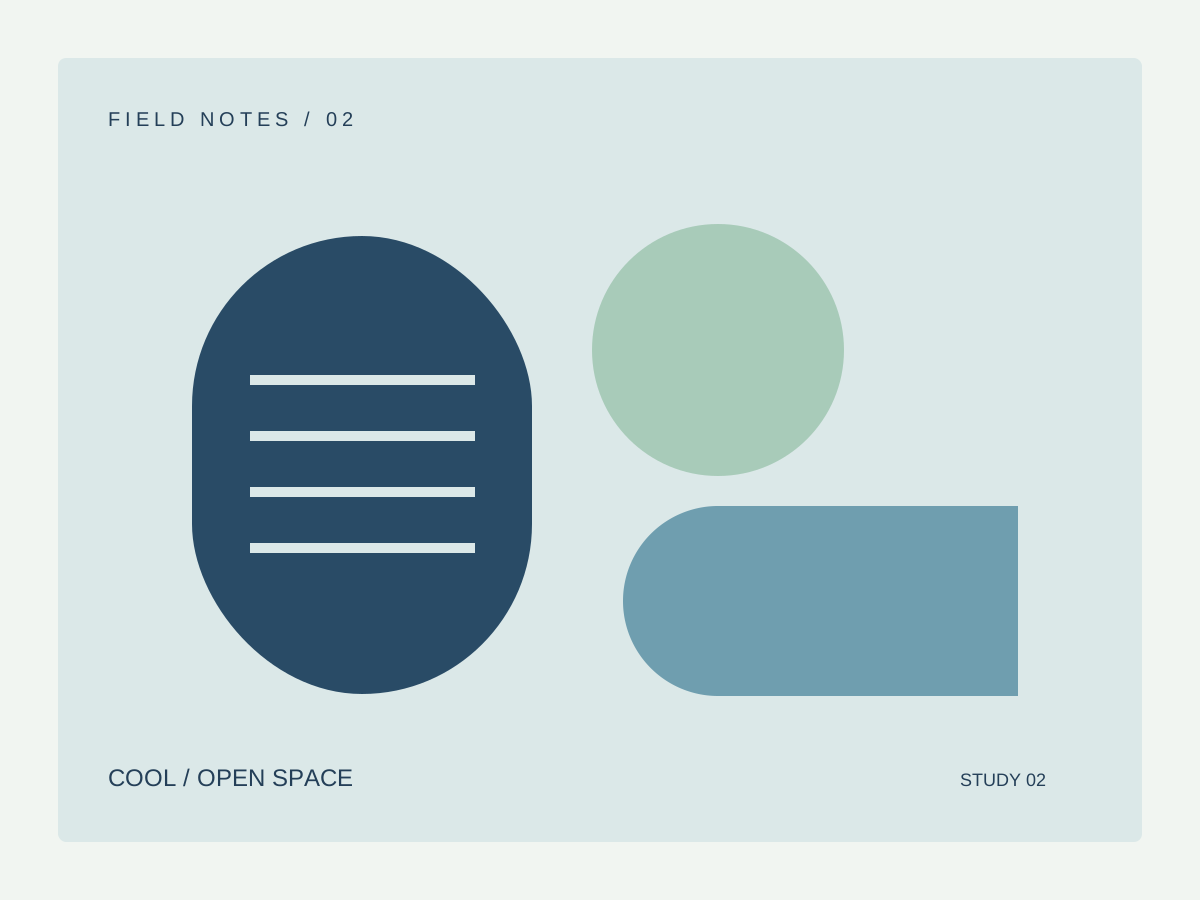
Compare images with gallery
Open either image and use the left and right arrow keys. Each gallery stays independent of other article images. On narrow screens, images wrap without cropping their content.
{% gallery %}
{% figure src="assets/warm.svg" alt="Warm poster in terracotta and cream" %}
The warm design.
{% endfigure %}

{% endgallery %}
Leave a blank line between standalone images. A gallery accepts only standalone Markdown images or figure blocks.
Keep the video, poster and captions in assets
Start the video, then try pausing and selecting captions. The clip has no narration; the sample captions contain instructions for trying the player.
{% video src="assets/flower.mp4" poster="assets/flower-poster.png" title="Garden clip" captions="assets/captions.en.vtt" %}
Write a description of the video here.
{% endvideo %}
src and title are required. poster and captions are optional. Local video supports MP4 and WebM; src also accepts an HTTPS video URL. Videos do not autoplay. Caption files must be local .vtt files, and their language follows the article language.
A caption file starts with WEBVTT and uses timed cues:
WEBVTT

00:00:00.000 --> 00:00:02.000
These are sample player captions.
Load YouTube only after a click
{% embed url="https://www.youtube.com/watch?v=M7lc1UVf-VE" title="YouTube's official player example" %}
Write a description of the external video here.
{% endembed %}
YouTube HTTPS URLs using watch?v=..., youtu.be/..., shorts/... and embed/... are supported. For other platforms, use an ordinary Markdown link. With JavaScript disabled, the viewing control goes directly to YouTube.
Put media inside instructional components
Choose the Image tab and open the poster inside it. Images in tabs have the same enlargement controls.
Text
This panel starts with text. The other panel contains an image. Both remain readable without JavaScript.
Image
Media can appear in the body of a hint, tab, step or expandable block. Tags inside code examples remain literal text and do not create extra players or galleries.
Check the source before publishing
| Check | Expected source |
|---|---|
| Tag placement | Each tag is on its own line, outside Markdown lists and quotes |
| Attributes | Quotes surround each style or title value |
| Structure | A step belongs to a stepper; a tab belongs to tabs |
| Closing tags | Each component has its matching end... tag |
| Literal examples | Named code fences display the source without creating a component |
The code examples above display their source as text. Article Markdown recognizes the supported component tags and does not execute arbitrary HTML, template instructions or JavaScript.
Media credits
The illustrations were made for this website. The flower clip comes from MDN's CC0 video assets under its CC0 license. The poster is a frame from that clip. The sample captions were written for this website.