
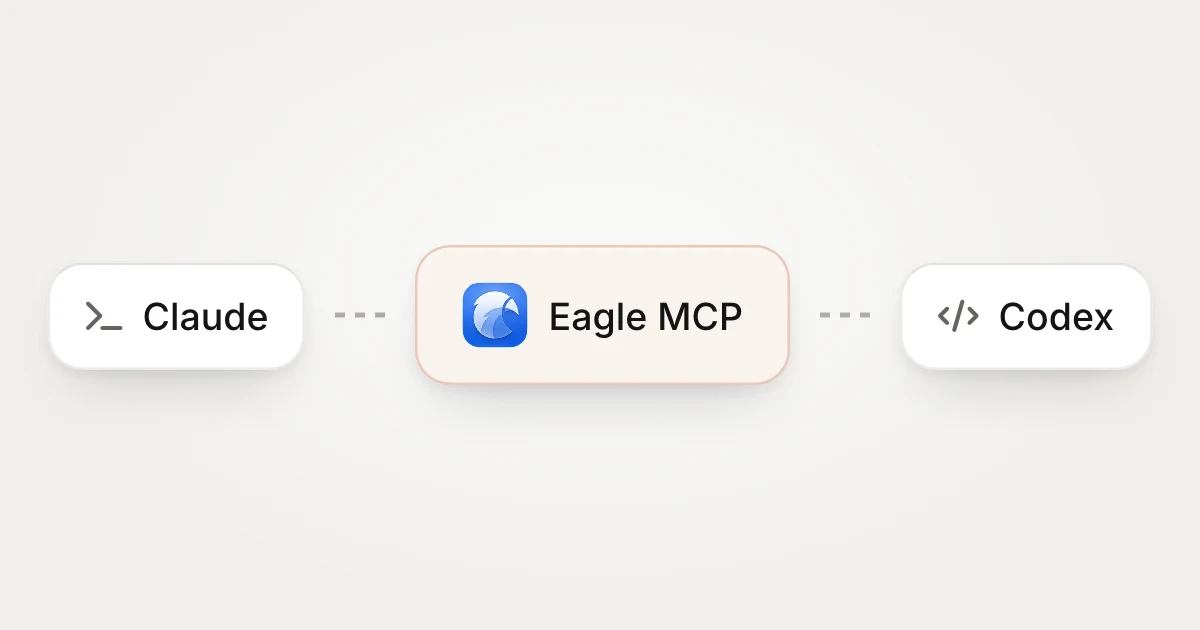
With Eagle MCP, Claude, Codex or another agent you already use can read and organize your library. You set the direction, the agent puts in the time, and the results stay in Eagle as folders, canvases and pages.
Work you can hand off
- Research a design direction: start from one sentence, search the web and your library, and collect references and a research report.
- Clean up unsorted items: name and tag large batches of files and file them into the right folders.
- Review designs: check work against your guidelines and leave notes where issues appear.
- Keep organizing new files: set it up once and new items get descriptions and tags while you rest.
Review the plan before anything changes
Agents don't change your library directly. They propose a plan first, listing the folders, names and tags they want to add and showing the before and after. Accept all of it, accept some steps, or send it back for changes.
Connect your agent
- Turn on Eagle MCP in Eagle.
- Add the connection settings to your agent.
- Start small, such as organizing one folder, then hand off bigger jobs once you're happy with the results.
To see what agents can get done in practice, read about Eagle Agent.